Adding samples
To upload sample information to the database, use the 'Upload' button in the database tab, and select a .json file defining the cells.
The .json file should look like:
[
    {
        "Sample ID": "my_cell_001",
        # Other keys that are columns in the database
    },
    {
        "Sample ID": "my_cell_002",
        # Other keys that are columns in the database
    }
    # etc.
]
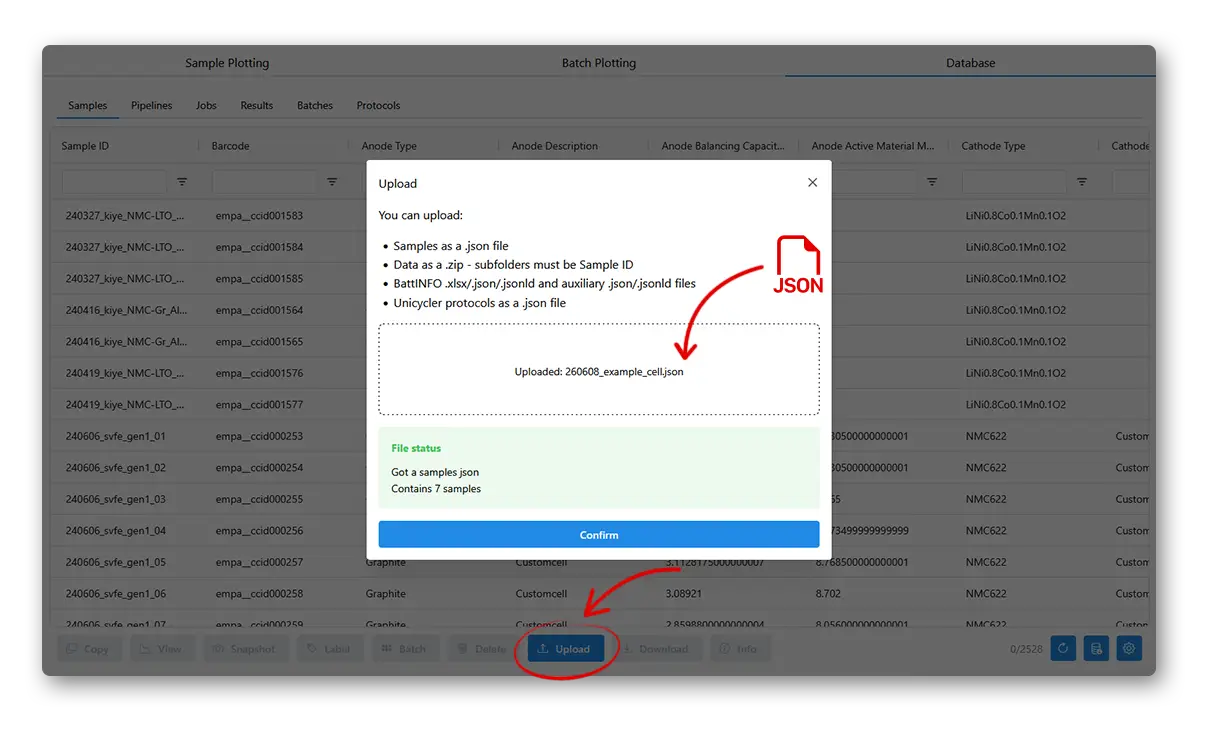
The samples should immediately be visible in the Samples tab. Here we use a filter in the table to only show the samples we just added.
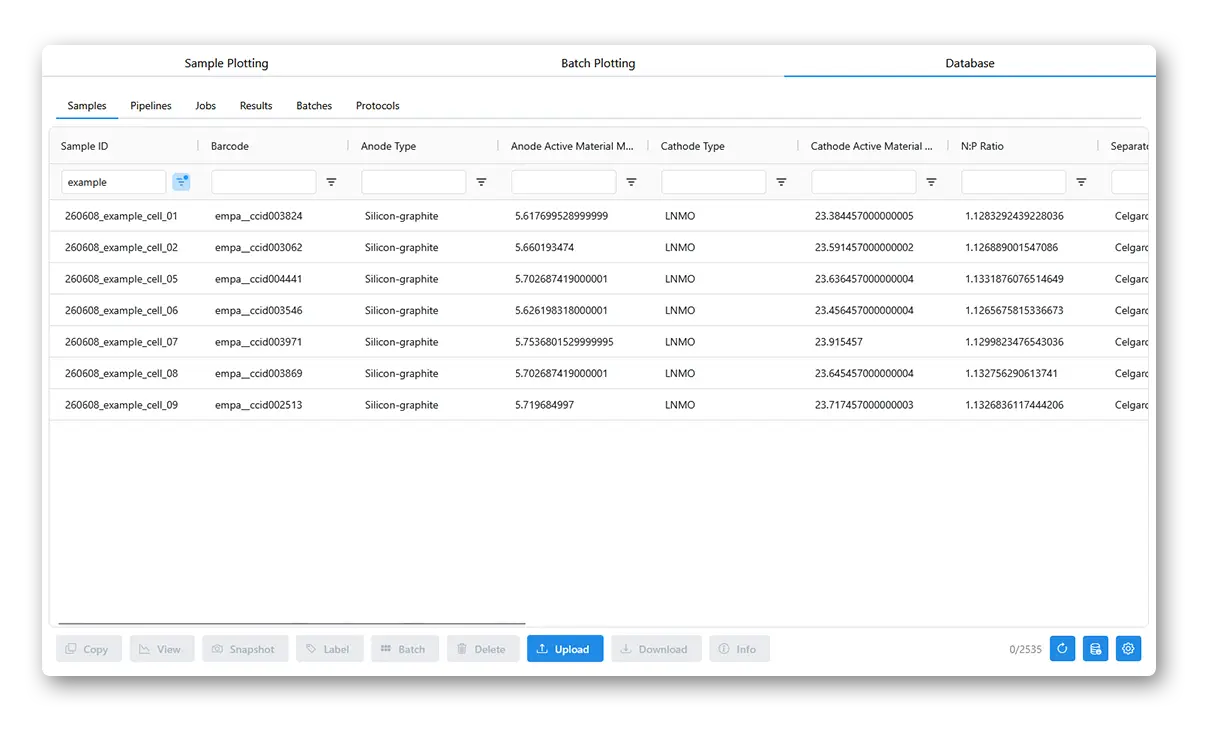
You can change the JSON and upload to overwrite sample details. You will be warned if sample information is being overwritten. You can also Delete samples -- this is only a soft delete, and will not remove any associated data.