Quickstart
Essentials
pip install aurora-cycler-manager   # install
aurora-setup init "path/to/project" # make a project
aurora-app                          # start the app
Example
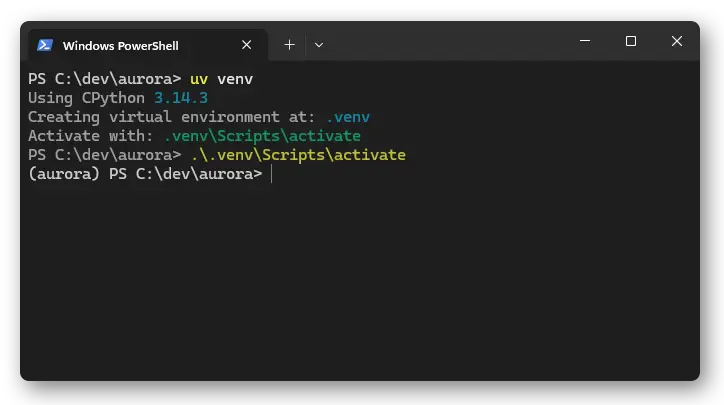
Create a virtual environment in a folder with e.g. python -m venv or uv venv:
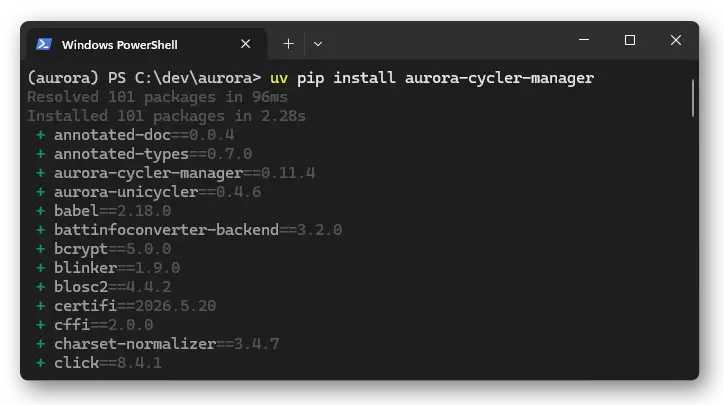
Install aurora-cycler-manager with pip install aurora-cycler-manager:
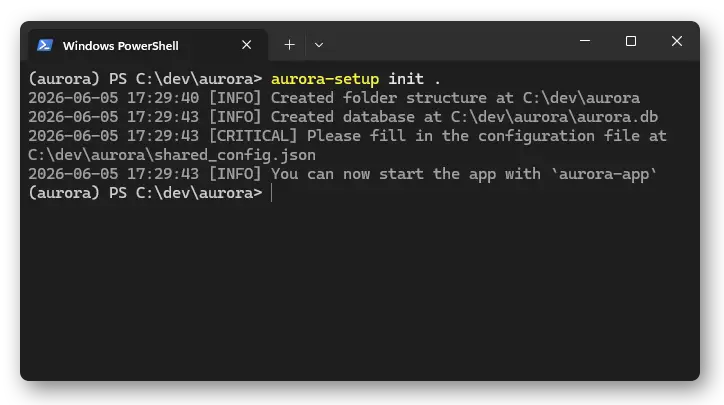
Create an aurora project with aurora-setup init path/to/project (. means current folder):
Start the app with aurora-app:
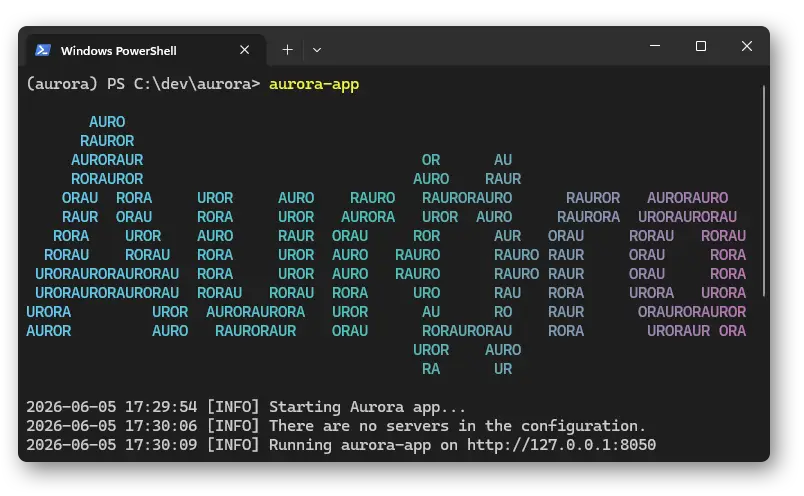
This will open an empty app:
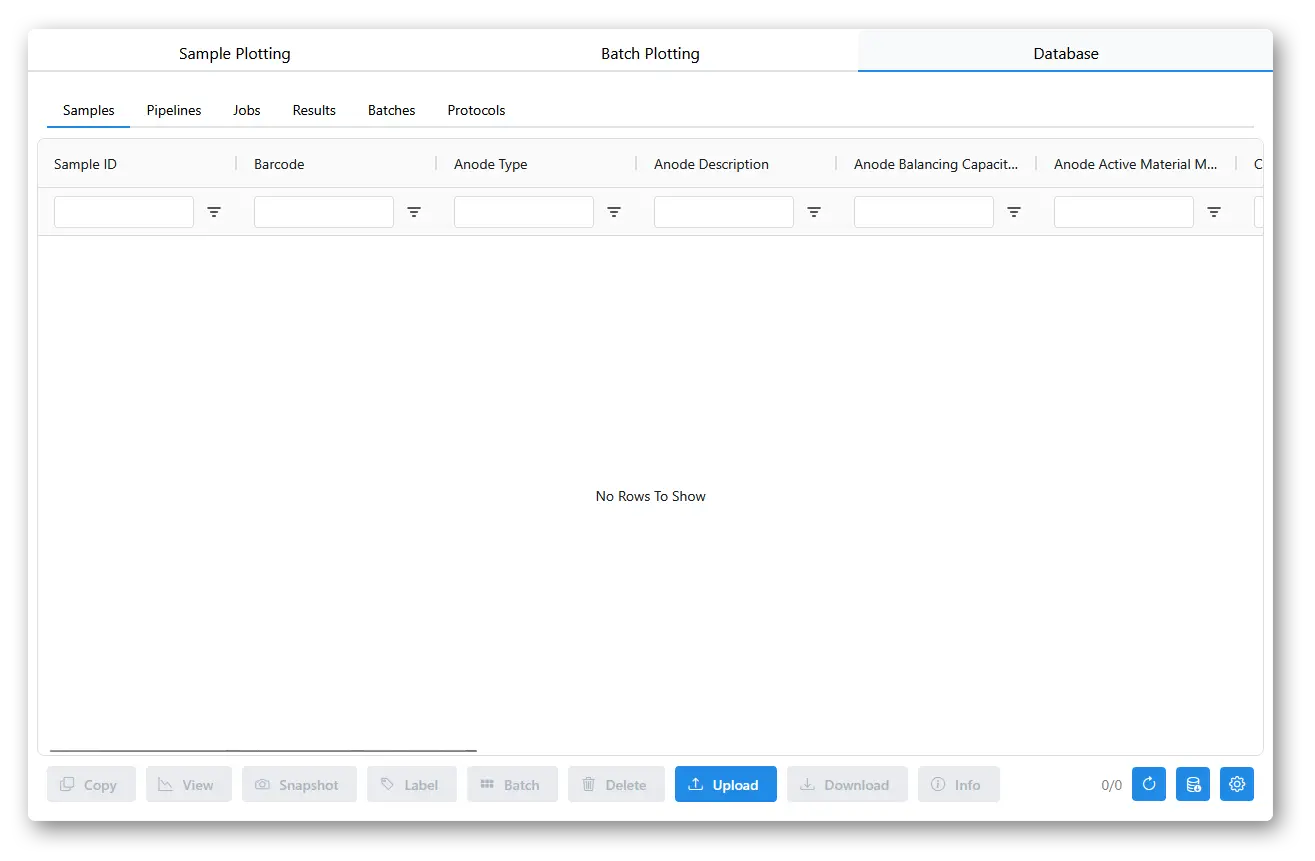
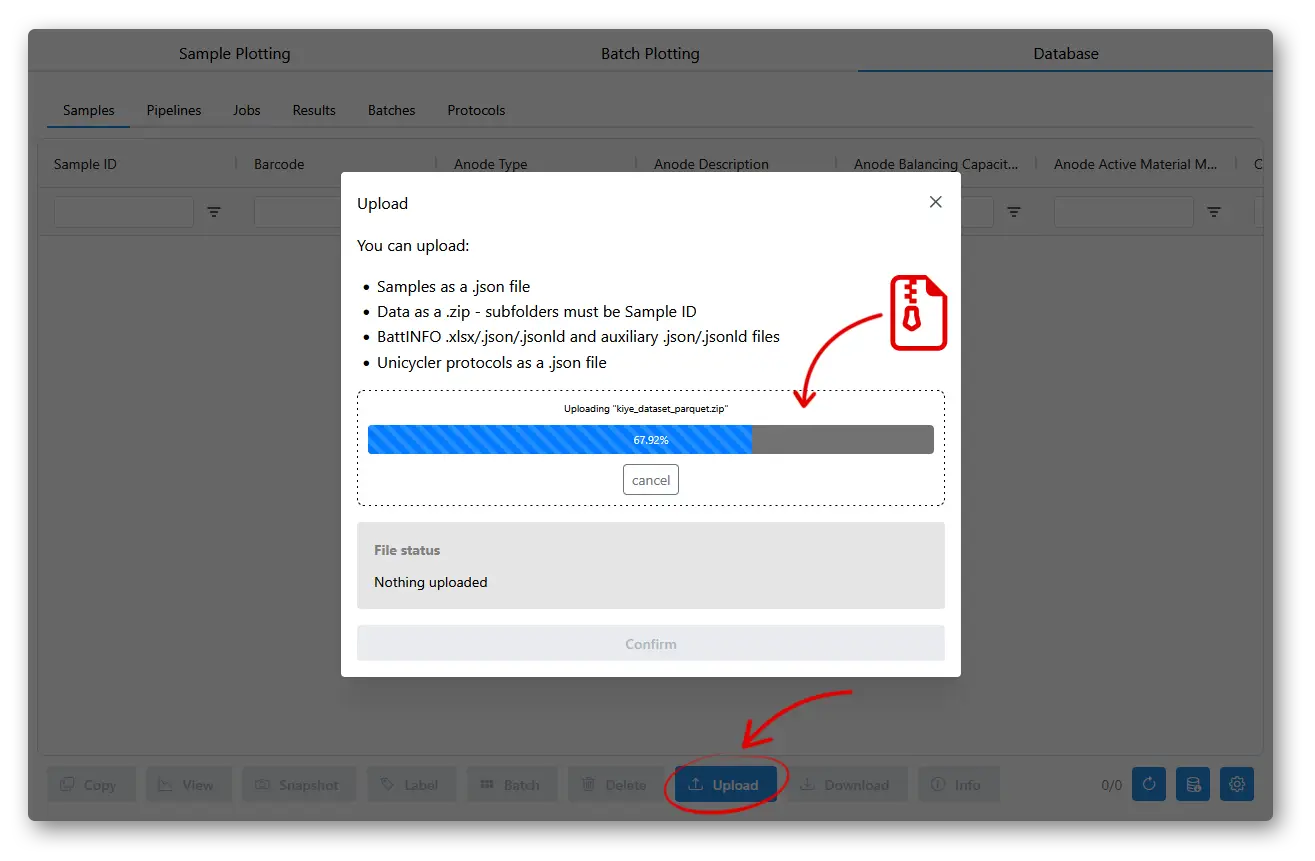
To load some example data, you can download kiye_dataset_parquet.zip from Zenodo. On the aurora-app, go to the Database tab, click the Upload button, drag and drop the .zip file, scroll to the bottom and press Confirm.
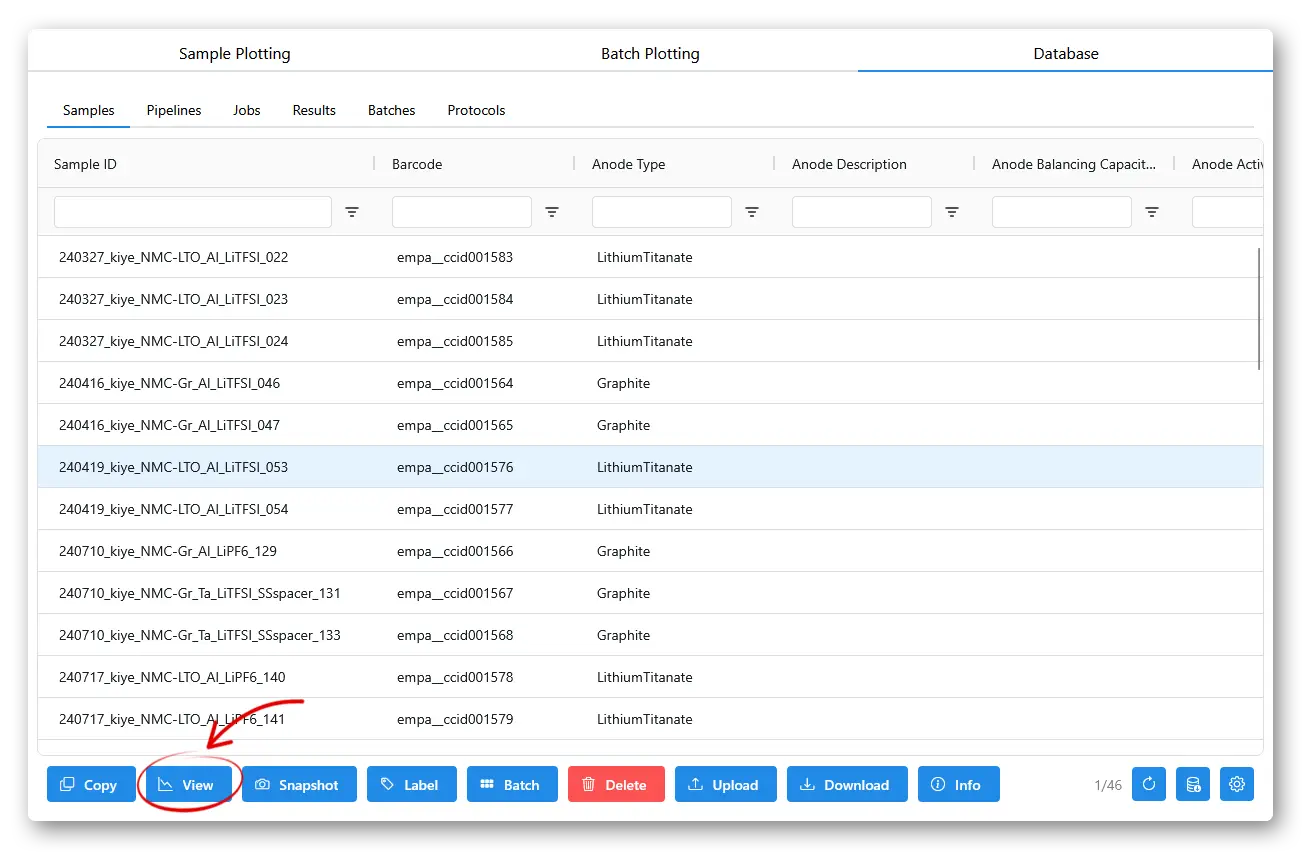
The Database samples table should now show the uploaded samples.
To view the data, you can select rows in the samples table and press View, or go to the plotting tabs and select the samples in the menus on the left.
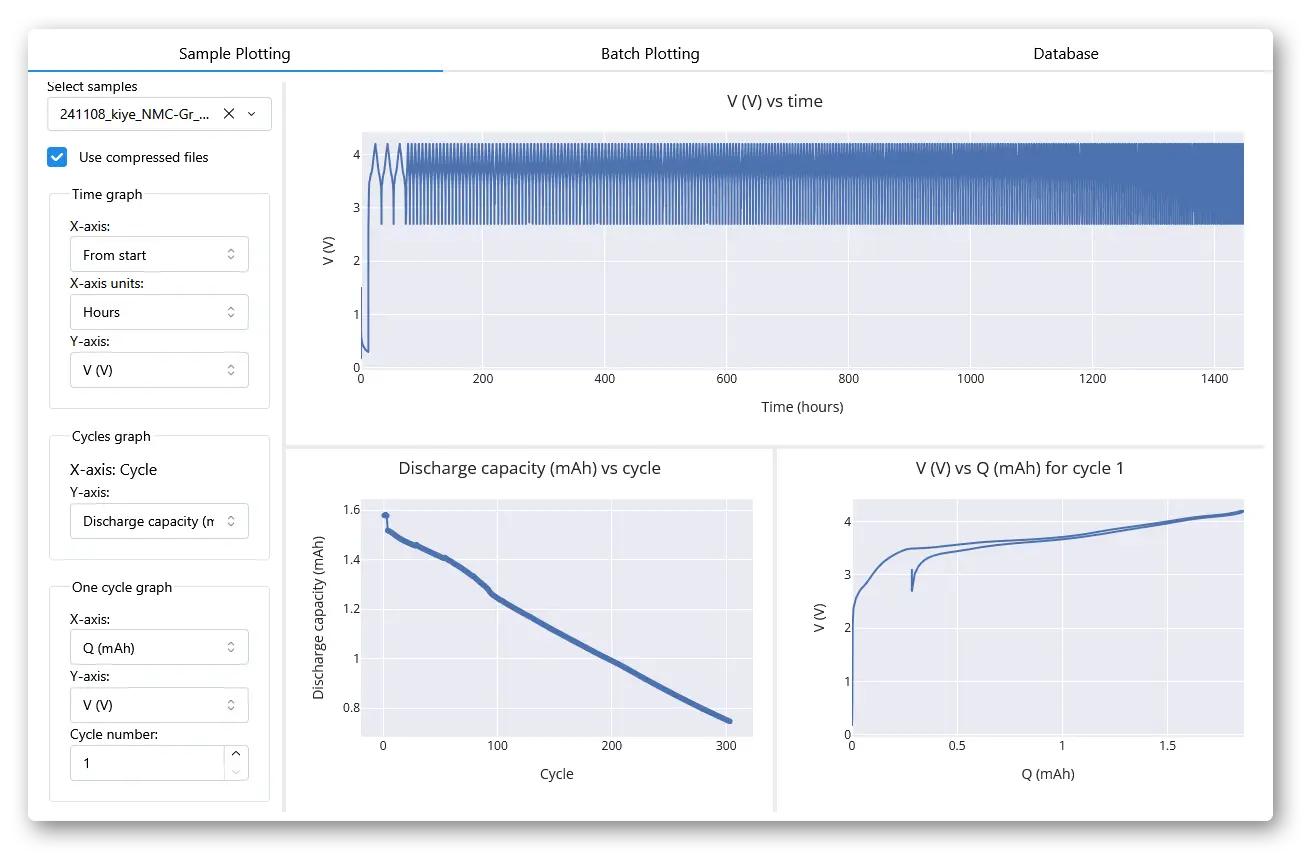
Here you can change the axis on the plot, and add more samples to compare. The Batch Plotting tab does not show full time-series data, but includes more options for coloring, styling, and aggregating data from larger numbers of samples, as well as showing correlation maps and plots for summary statistics of samples.